The short answer is yes — you absolutely can print a document directly from your phone, and it is easier than you might think. At Magic Print & Copy in North Vancouver, we offer multiple ways to print from your smartphone, whether you use an iPhone or Android device. No special apps, no cables, and no complicated setup required.
In this guide, we will cover every way you can print from your phone at our North Vancouver shop, plus tips for getting the best results from mobile printing.
How Mobile Printing Works at Magic Print & Copy
When you visit our shop at 110 3rd St W in North Vancouver, you have several options for printing directly from your phone:
1. WiFi Printing
Our shop has a wireless printing network that your phone can connect to. Once connected, you can send documents directly from your phone to our printer. This works with both iPhone and Android devices. The process is simple:
- Connect to our in-store WiFi network
- Open the document or photo you want to print
- Select "Print" from your phone's share or options menu
- Choose our printer from the list
- Set your preferences (color, size, copies)
- Hit print
Your document will be printed in seconds. Our staff is always available to help if you need assistance connecting or setting up.
2. Email Your Files
Prefer not to connect to WiFi? Simply email your document to us before you arrive or while you are in the shop. We will open your file, confirm your print preferences with you, and have it printed in minutes. This is the easiest option for people who want zero technical setup — if you can send an email, you can get your document printed.
3. Cloud Storage Printing
If your documents are stored in Google Drive, Dropbox, iCloud, or OneDrive, you can share them with us directly from your phone. Just open your cloud app, share the file via email or link, and we will download and print it for you. This is especially convenient for business users who keep their files in the cloud.
4. USB or AirDrop Transfer
You can also transfer files from your phone to a USB drive using an adapter, or if you have an iPhone, you can AirDrop files to our receiving device. We are flexible — whatever method works best for you, we can accommodate it.
What Can You Print from Your Phone?
Virtually anything that is on your phone can be printed:
- Documents — PDFs, Word documents, Excel spreadsheets, PowerPoint presentations
- Photos — Print photos from your camera roll in any size, from standard 4"×6" to large format
- Screenshots — Boarding passes, confirmation emails, receipts, tickets
- Web pages — Save a web page as PDF on your phone and bring it to print
- Text messages and emails — Need a hard copy of a conversation? We can print it
- Social media content — Print Instagram photos, Facebook posts, or any other social media content
Tips for the Best Mobile Printing Results
To get the best quality prints from your phone, keep these tips in mind:
1. Check Your File Resolution
Photos taken with modern smartphones are usually high enough resolution for excellent prints. However, screenshots and images downloaded from the web may be low resolution. If an image looks blurry when you zoom in on your phone, it will look blurry when printed. For best results, use the original file rather than a screenshot.
2. Save Documents as PDF
If you are printing a document (not a photo), save it as a PDF before sending it to us. PDFs preserve formatting, fonts, and layout exactly as you intended. Word documents can sometimes shift formatting when opened on a different device.
3. Consider Paper Size and Orientation
Think about whether your document should be printed in portrait or landscape orientation, and what paper size works best. Our staff can help you choose the right setup if you are unsure.
4. Let Us Know Your Preferences Upfront
When you send your file, tell us how many copies you need, whether you want color or black and white, and if you need double-sided printing. This saves time and ensures you get exactly what you want on the first try.
Why Print from Your Phone at a Local Shop?
You might wonder why you should come to a print shop when your phone can connect to a home printer. Here are the advantages:
- No printer to buy or maintain. Ink is expensive, and home printers jam, run out of ink, and break down. A print shop eliminates all that.
- Better quality. Commercial printers produce sharper text and more vivid colors than any home inkjet.
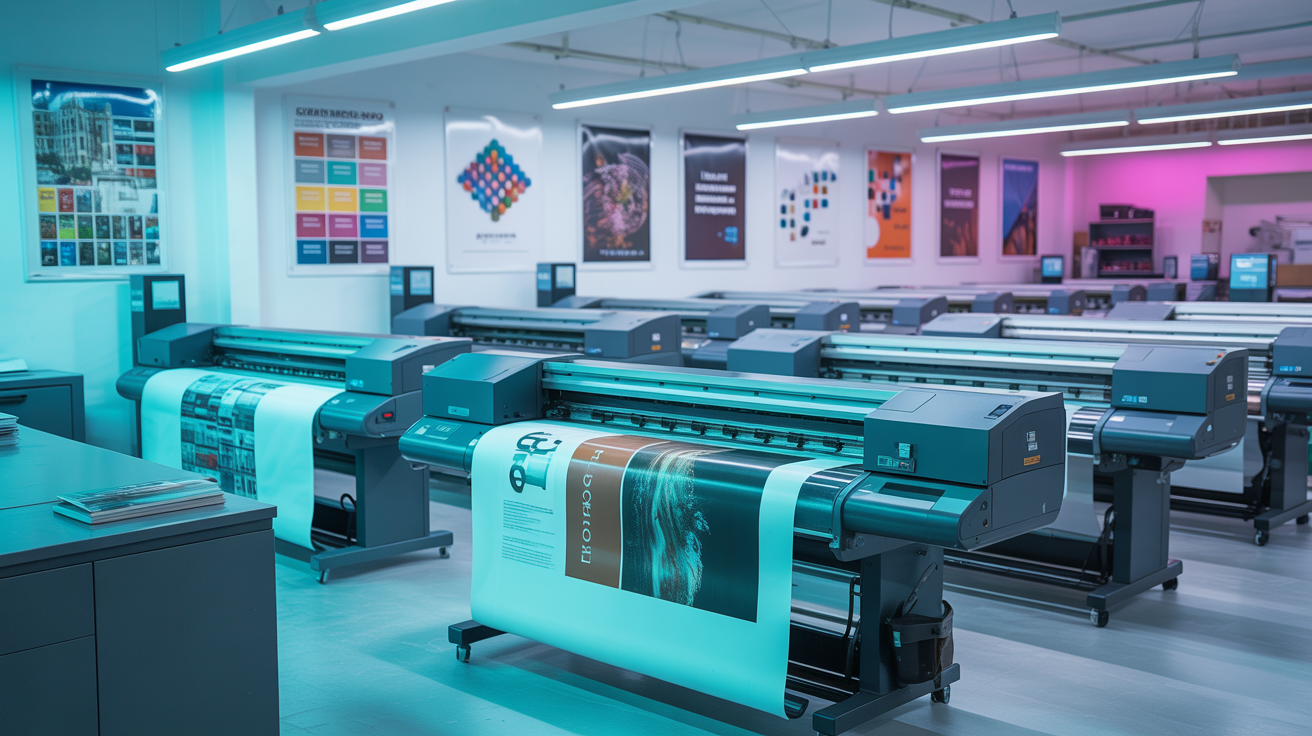
- More options. We print on multiple paper sizes, card stock, glossy photo paper, and more — options that home printers simply cannot match.
- Expert help. If your file needs adjustments, we can help with resizing, formatting, and color correction.
- One-stop service. Need your printed documents bound, laminated, or folded? We handle all of that too.
Printing from Your Phone Is Quick and Easy
At Magic Print & Copy, we have helped thousands of customers print from their phones. Whether you are a student printing a last-minute assignment, a business traveler who needs a hard copy of a presentation, or someone printing photos for a family event, we make mobile printing simple and stress-free.
Visit us at 110 3rd St W, North Vancouver, BC V7M 1E8. We are open Monday through Saturday, 9 AM to 6 PM. Call (604) 984-0018 or just walk in — we will have your phone documents printed in minutes.